> For the complete documentation index, see [llms.txt](https://docs.elkyc.com/home/llms.txt). Markdown versions of documentation pages are available by appending `.md` to page URLs; this page is available as [Markdown](https://docs.elkyc.com/home/build-verification-flows/verification-steps/address-verification.md).
# Address Verification
The Address Verification step allows you to collect a user’s address and automatically check whether it exists using trusted address data sources (e.g., Google data). This step helps validate address accuracy without requiring document uploads or AI-based document analysis unless explicitly enabled.
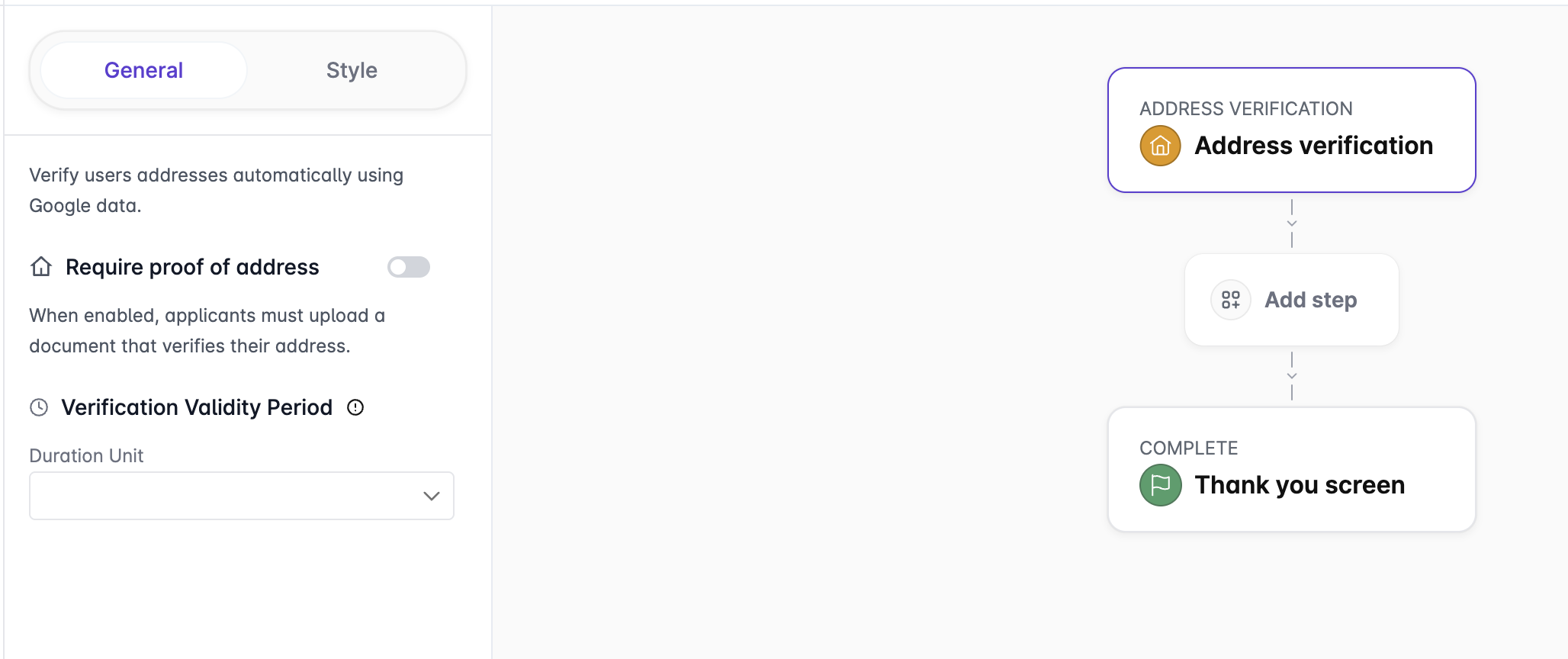
* Add the `Address verification` step into the flow canvas at the appropriate position in the flow.
* Click on `Address verification` to open its configuration options.
* `Require proof of address.`When enabled, applicants must upload a document that confirms their address. This converts the step into a proof-of-address verification where the document upload step is mandatory. Address data extracted from the proof-of-address document is analyzed using AI and compared against the user’s identity document to ensure consistency. When disabled, the step only collects the address and verifies its existence.
* `Verification Validity Period.` Defines how long the address verification result remains valid after successful completion. Once the validity period expires, the user must complete the address verification step again. Select the `Duration Unit` to specify how long the verification remains valid.
* `Use data from document without MRZ.` When enabled, the system extracts address data from uploaded documents that do not contain a Machine Readable Zone (MRZ). This allows support for a wider range of proof-of-address documents, such as utility bills or bank statements.
* `Take data from questionnaire.` When enabled, the system reuses address information collected earlier in the flow through a questionnaire. Relevant user-provided data is automatically populated into the Address Verification step, reducing user input and improving completion rates.
* `Document Type Selector.` Select the types of documents that applicants are allowed to submit as proof of address. Each document type (e.g., Utility Bill, Bank Statement) can be enabled or disabled using a checkbox, ensuring only accepted document categories are used during verification.
***